


How to Design a Home with AI
Every step in the above graphic is important.
Floor Plan, Sketch, Rendering, AI
And then modify and repeat.
To begin with, let’s make a list of what AI can do and what it can not.
What AI can do:
Create initial sketches
Add helpful suggestions
Help you visualize the project
What AI can not do:
Design a house
Understand your needs
Deal with the permit office
AI is a powerful tool. But it is just a tool. You have to know how to use it and know it’s limits.
A home is a very personal investment. It says something about you and it is your place of safety.
AI can generate a floorplan, a rendering and maybe even a full set of plans. But it won’t be a home.
Allow me to quickly walk through the steps using a sample project.
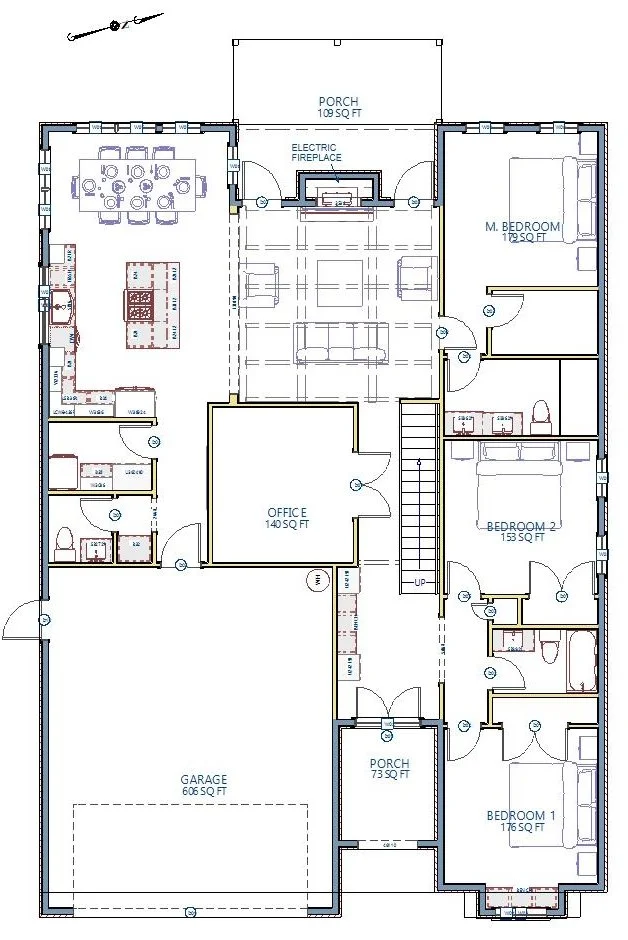
The home owner, Gary, sent me a sketch for a new home he wanted to build. He could have used AI, but he’s old school so he used a pencil. From there, I drew some concepts and we looked at options and priorities. We looked at zoning code and what the published county code said would be allowable. AI could do that, too. But then we sent the plans to the planning office and everything changed. The code wasn’t really clear and there were unpublished rules they recently adopted. After many calls, emails and redesigns we finally came up with a floor plan that would actually be approved. AI could not have done that.
Step 1: Floor Plan
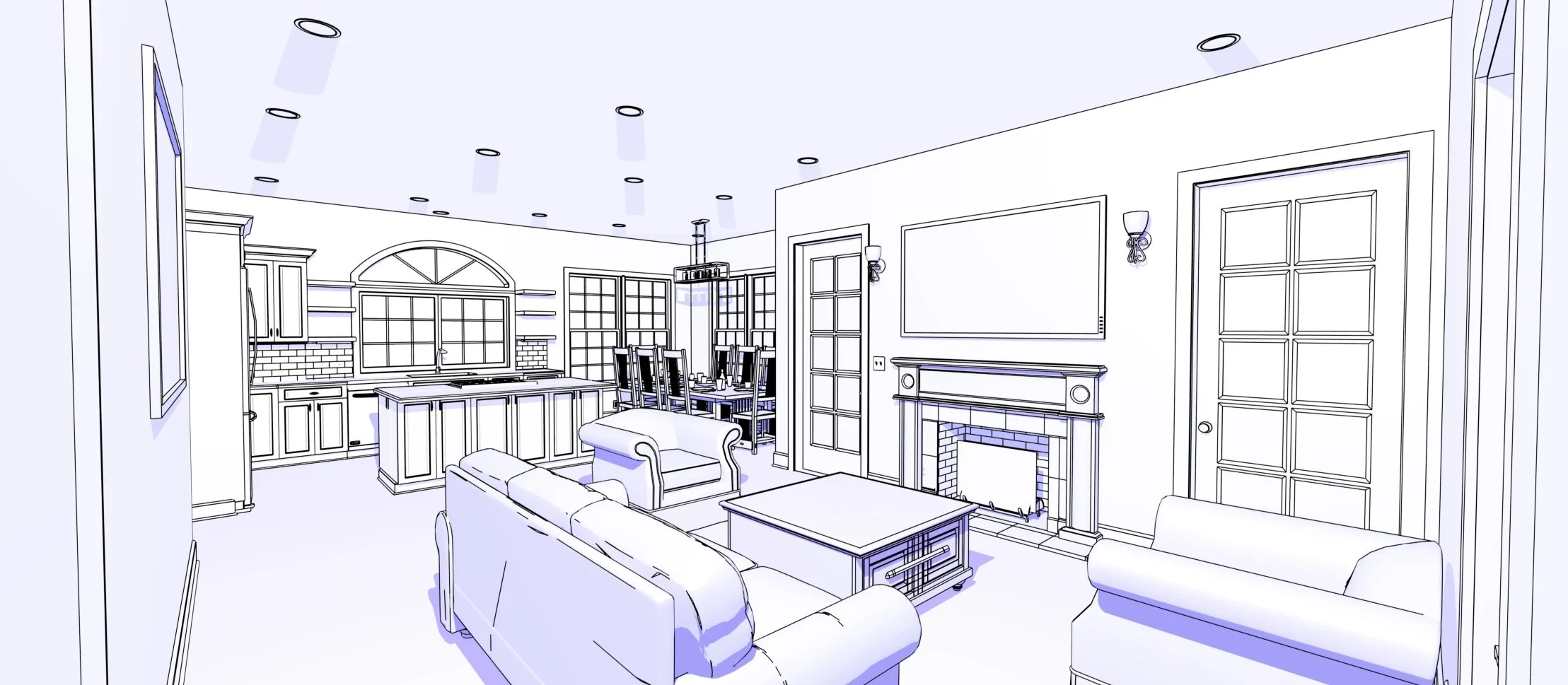
While were waiting for the permit office, we kept working on refining what the house should look like. I start with low quality sketches. They are not as impressive as AI but they are based in actual reality. AI creates pretty picutrues but we needed to know what the house would actually look like, within the paramaters of what the county would allow. Gary and I had multiple zoom calls where I “flew” him around the house in a 3D model, looking at how the house would actually look and making changes in real time.
Step 2: Sketches
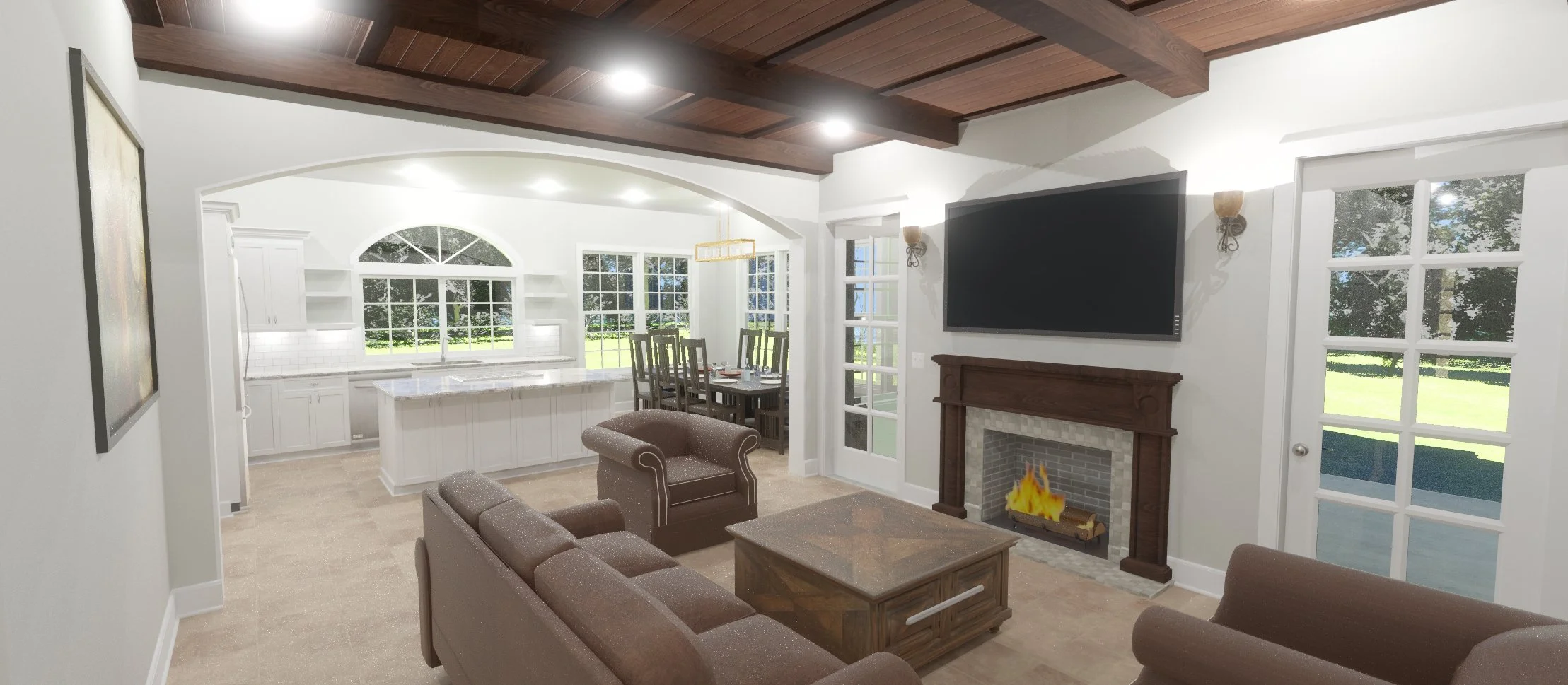
Once we had approval from the planning department, we started on a full building set. That involves really getting into the details and color renderings really help. I create these in my architectual software and Gary and I could also modify things in real time. Every change in the 2D floor plan shows up in the 3D renderings. AI tends to be very weak at that, making pretty pictures with lots of hidden mistakes. Real time renderings keep things on track and make sure there are no surprises later.
Step 3: Renderings

This is where AI really becomes helpful. I uploaded the above sketches and renderings into my favorite AI program and asked it to create a warm, spanish/modern look. And it did something unexpected. AI added the arch, and that made the room. In my above sketch, there wasn’t an arch. But AI added it and it was a great idea. The arch also gave containment to the living room, so we could have beams and a different ceiling type. That is how you use AI. It might have taken a month of colaberation between me and the interior designer to come up with that idea. AI did it with a few prompts.
Step 4: AI
This is the critical step. All of the good ideas from AI? They have to be brought back into the floor plan, manually. Then the sketches and renderings were updated. It’s not enough to have a good idea. It needs to meet code, fit in with all of the other elements and make it into the unified plan set of architectual, structural and civil drawings.
Step 5: Repeat
I am working on learning how to use AI to effectivly respond to comments made by the city. But it has some room to grow. Dealing with permit officals is never easy and takes a personal touch. At least for now…
Step 6: Permits